Look
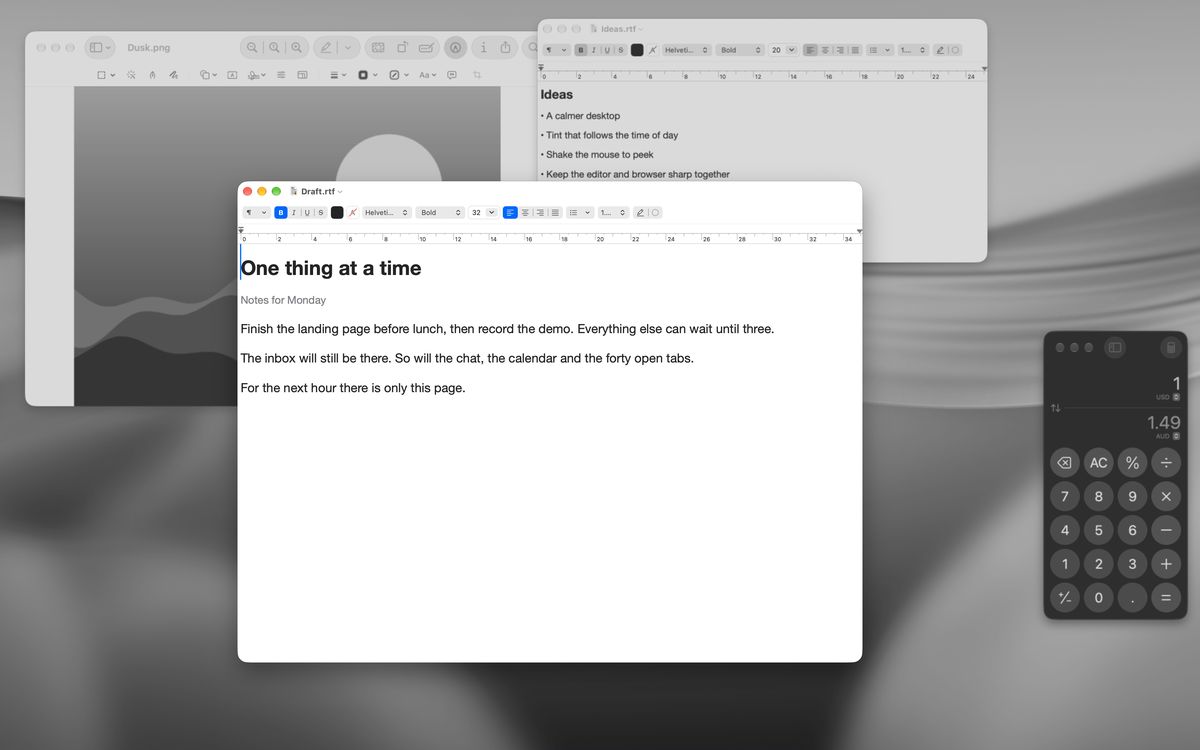
Ambient is a light blur with a slight dim, good for all-day use. Deep blurs harder and darkens more. Set the blur to zero for a blur-free mode: just dim, tint, grain or monochrome.

or try it right hereFree and open source · macOS 14+
brew install --cask iamzifei/tap/veil
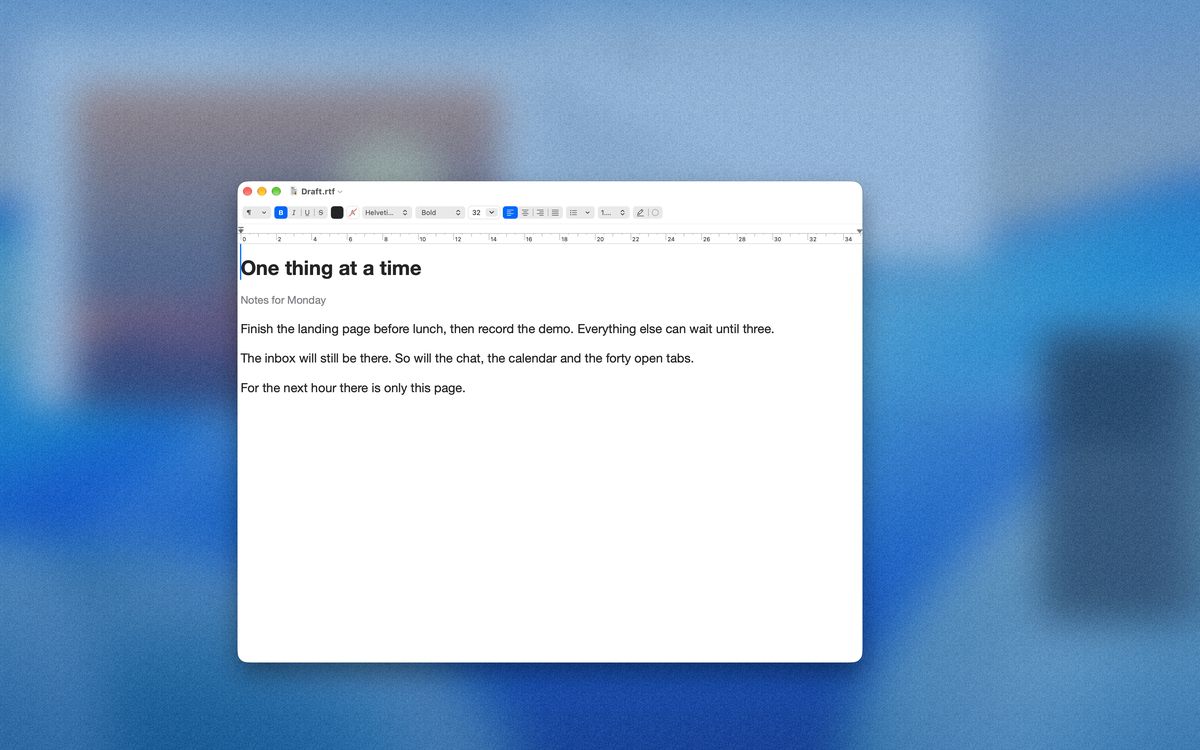
This desktop is fake. The blur is real.
ClickTap any window to focus it. Drag a title bar to move it. Hold Shift and sweep the mouse to peek behind the veil.
Week 47
Ship the landing page, record the demo, and reply to the people who tried the beta.
Reminder: close the chat before 2 pm.
Did you see the new build?
Just installing it. The blur is lovely.
Right? I stopped noticing my other tabs.
Same. Writing the spec now.
Dinner at 7?
Delivered
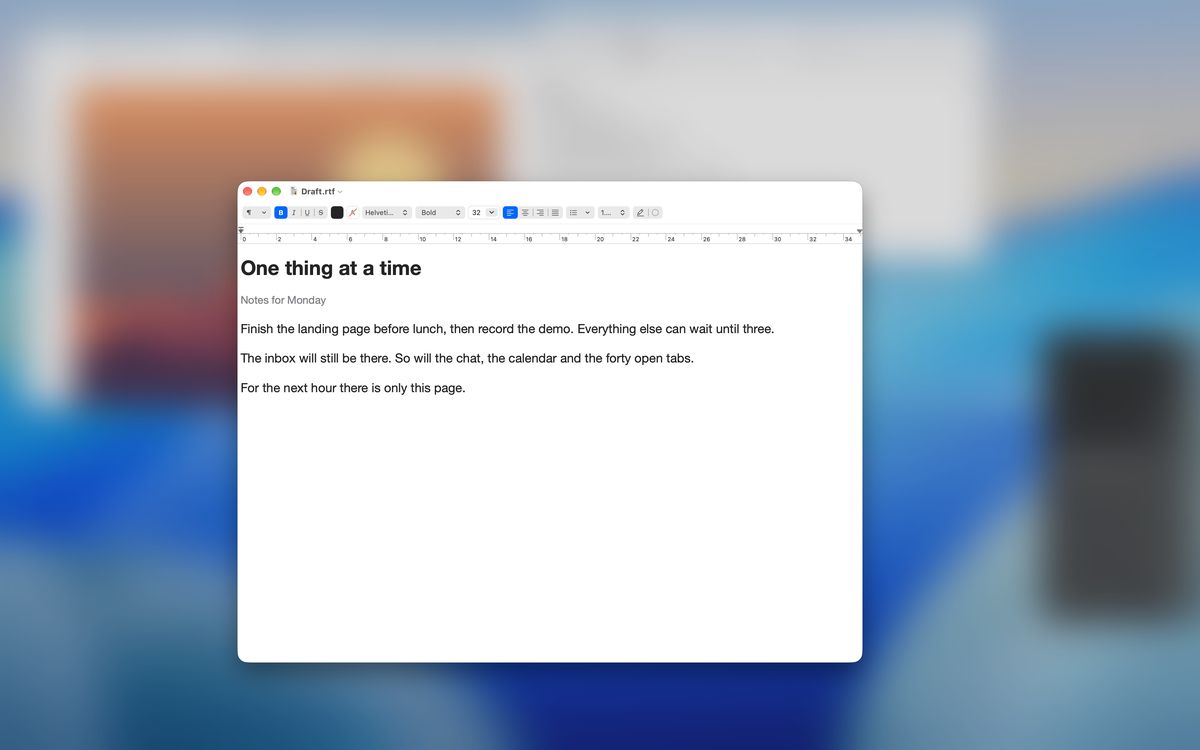
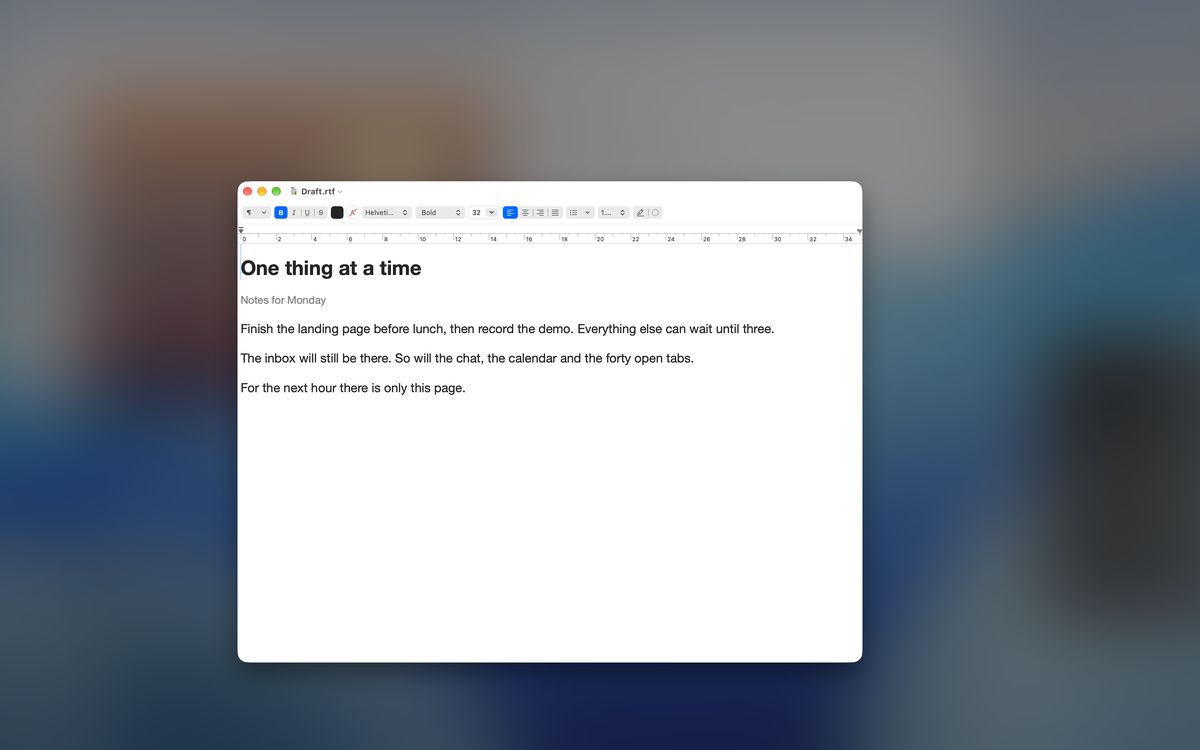
The window in front stays crisp. Everything behind it, other windows and the desktop, is softly blurred and dimmed.
Click another window and the sharp spot moves with you. There are no window rules to set up.
No Dock icon, no main window. One click on the menu-bar icon turns it on or off.
Chat badges, a second document, a browser tab: anything that moves or flashes behind your work is blurred, so it is far less likely to catch your eye.
Unlike full screen, your windows stay where they are. Click one and it comes back into focus at once.
Writers, developers, students and anyone who works with many windows open, on a laptop or across several displays.


Download Veil.dmg, open it and drag Veil into your Applications folder, or run brew install --cask iamzifei/tap/veil in Terminal. Needs macOS 14 Sonoma or later, on Apple Silicon or Intel. The app is signed and notarized by Apple, so it opens normally.
Open Veil. A short welcome guide appears once, and Veil is already on. It needs no permissions. The only exception is the optional auto-hide of the menu bar and Dock, which asks for Automation access the first time you turn it on.
Click the Veil icon in the menu bar (a dashed circle means it is off). You can also shake the mouse, or press ⌃⌥⌘F. Right-click or Control-click the icon for the menu: Ambient or Deep mode, ignore the current app, peek, Settings, the welcome guide and updates.
Click any window to bring it into focus; Veil follows. To look behind the veil for a moment, hold ⇧ and shake the mouse, or choose Peek from the menu. The veil also steps aside while you drag a file.
Open Settings from the menu or with ⌃⌥⌘C. Pick a mode and set blur, tint, grain and monochrome; blur at 0 gives a blur-free look. Use App Groups to keep two apps sharp together, add apps to the ignore list, choose how several displays behave, and change any shortcut or gesture.
All four work in any app and can be changed in Settings.
Ambient is a light blur with a slight dim, good for all-day use. Deep blurs harder and darkens more. Set the blur to zero for a blur-free mode: just dim, tint, grain or monochrome.
Let an editor and a browser share focus so both stay sharp. Or keep every window of the front app clear, and list the apps Veil should always ignore.
Per screen keeps the frontmost window on each display sharp. Global keeps one window sharp and veils every other screen. Hide the menu bar and Dock while Veil is on, and blur the Stage Manager strip too if you like.
Shake the mouse to toggle. Hold Shift and shake to peek for at least two seconds. Park the pointer in a screen corner for a quick look. Veil steps aside while you drag a file.
# Shell, AppleScript, Shortcuts, Raycast…
open "veil://toggle"
open "veil://mode/deep"
open "veil://set?blur=30&tint=blue&grain=0.4"
Veil registers a veil:// scheme, so anything that can open a URL can drive it: toggle, on, off, peek, mode/deep, or set?… to change any setting in one call.
macOS 14 Sonoma or later · Apple Silicon and Intel · signed with a Developer ID and notarized by Apple.
brew install --cask iamzifei/tap/veil
Yes. Veil is MIT-licensed and open source. There is no paid tier, no trial timer and no account. You can read, build and change the code on GitHub.
Not for the core feature. Blurring the background works without Screen Recording or Accessibility access. The only optional permission is Automation, which Veil asks for if you turn on auto-hiding the menu bar and Dock.
No. Veil hands the blur to the system compositor, the same machinery macOS uses for its own translucent surfaces. It does not capture your screen or process frames itself, so idle cost is close to nothing.
Yes. Put them in an App Group, for example your editor and your browser, and they share focus. You can also keep all windows of the front app sharp, and add apps to an ignore list.
Yes. Choose Per screen so each display keeps its own frontmost window sharp, or Global to keep a single window sharp across all displays.
Veil checks for updates itself and installs them when you agree. You can also download the latest disk image from this page at any time.